
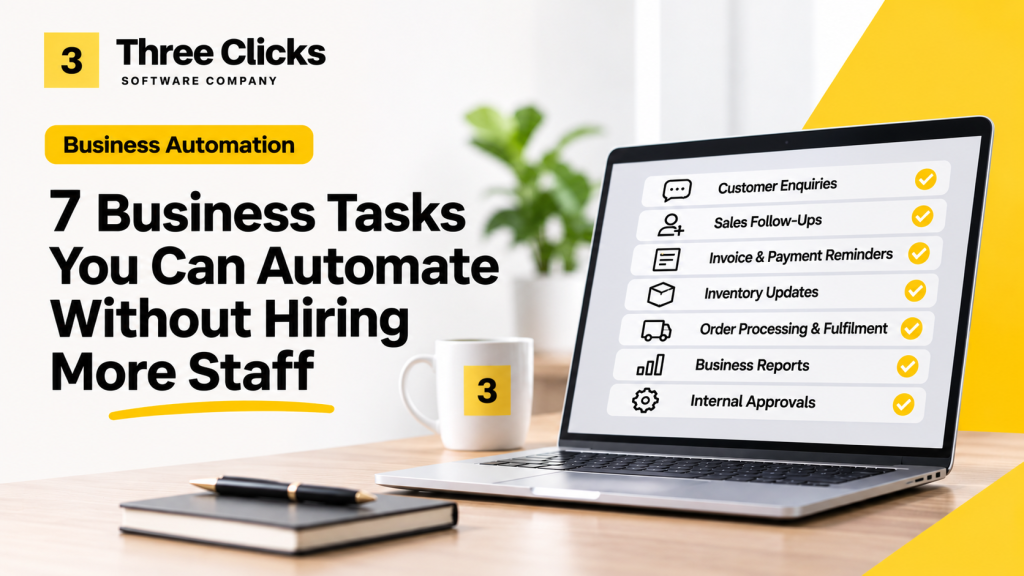
7 Business Tasks You Can Automate Without Hiring More Staff
From customer enquiries to inventory updates, discover seven practical ways SMEs can reduce repetitive work, improve efficiency and give their teams more time to focus on growing the business.
Running a small or medium-sized business often means juggling multiple responsibilities.
Your team handles customer enquiries, processes orders, updates spreadsheets, prepares invoices, follows up on payments and generates reports.
As the business grows, so does the workload.
The usual response is to hire more employees. But before expanding your team, there’s another question worth asking:
Are your employees spending too much time doing work that could be automated?
Business automation isn’t necessarily about replacing employees. It’s about reducing repetitive tasks so your existing team can spend more time on customers, problem-solving and business growth.
Here are seven areas where SMEs can start.
1. Customer Enquiries and Responses
Imagine your business receives dozens of WhatsApp enquiries every day.
Customers ask similar questions:
- Is this product available?
- How much does delivery cost?
- What are your operating hours?
- Can I get a quotation?
Your employees spend hours answering the same questions.
What can be automated?
A customer enquiry system can automatically acknowledge messages, answer common questions using approved information and direct more complicated enquiries to the right employee.
AI can also help classify customer requests and prepare suggested responses.
The benefit: Faster initial responses and less time spent answering repetitive questions.
For important quotations, complaints and unusual requests, human involvement remains valuable.
2. Sales Follow-Ups
A potential customer contacts your business, requests a quotation and says they’ll get back to you.
A week passes.
Nobody follows up because your sales team is busy handling new enquiries.
This is a common problem when customer information is scattered across WhatsApp, email and spreadsheets.
What can be automated?
A customer relationship management (CRM) system can:
- Record enquiries and their current status.
- Remind salespeople when follow-ups are due.
- Trigger approved follow-up messages.
- Notify managers about opportunities requiring attention.
AI can also help summarise conversations and suggest which enquiries may deserve attention.
The benefit: A more consistent sales process and fewer prospects forgotten due to manual tracking.
3. Invoice Generation and Payment Reminders
Preparing invoices manually may seem manageable when you have only a few customers.
But as transaction volumes increase, employees spend more time entering information, checking amounts and following up on outstanding payments.
What can be automated?
When an order is confirmed, an integrated system can generate an invoice using approved pricing and customer information.
It can then send the invoice, record its status and schedule reminders based on payment terms.
Payment confirmation can also update the customer’s account when a reliable payment integration is available.
The benefit: Less administrative work, more consistent invoicing and better visibility over outstanding payments.
4. Inventory and Stock Updates
Consider a retailer selling products through a physical store, Shopify, Shopee and TikTok Shop.
An item sells through one channel, but stock information in the other channels isn’t updated immediately.
Employees may have to check and adjust quantities manually.
This creates opportunities for stock discrepancies, overselling and order cancellations.
What can be automated?
An integrated inventory system can connect supported sales channels and synchronise stock movements.
For example:
- A customer purchases an item through an online store.
- The order is received by the inventory system.
- Available stock is updated.
- The updated quantity is sent to connected sales channels.
- The fulfilment team receives the order for processing.
The benefit: Less manual stock reconciliation and improved visibility across sales channels.
Actual synchronisation depends on platform integrations, API availability and how inventory is allocated.
5. Order Processing and Fulfilment
Some businesses still manage customer orders through WhatsApp messages, emails and spreadsheets.
Employees manually copy delivery addresses, prepare packing lists and arrange courier bookings.
As order volume increases, this process becomes harder to manage.
What can be automated?
An order management workflow can collect orders from connected channels, validate required information and prepare fulfilment instructions.
It can also generate shipping labels through supported courier integrations and update order statuses.
For unstructured orders, AI may help extract product names, quantities and customer details before an employee confirms the information.
The benefit: Reduced duplicate data entry and a more organised fulfilment process.
6. Daily and Weekly Business Reports
Many business owners rely on employees to prepare sales, inventory or operational reports.
Information may come from different systems and require manual consolidation in Excel.
By the time the report is ready, some information may already be outdated.
What can be automated?
A reporting dashboard can collect data from connected systems and update key business metrics.
For example, business owners could monitor:
- Daily sales and revenue
- Outstanding customer payments
- Inventory levels
- Order fulfilment status
- Sales performance by branch
AI can also assist by summarising patterns and highlighting unusual changes for further investigation.
The benefit: Faster access to business information and less time spent compiling routine reports.
7. Employee Requests and Internal Approvals
Not all automation needs to involve customers or sales.
Internal processes can also consume significant time.
Consider how your business handles purchase requests, leave applications, expense claims or management approvals.
Employees may submit requests through WhatsApp or email, while managers struggle to keep track of outstanding decisions.
What can be automated?
A simple workflow system can allow employees to submit requests through an online form.
The system routes each request to the appropriate manager, sends notifications and records the approval history.
The benefit: Clearer accountability, fewer lost requests and a more consistent approval process.
How Much Time Could Automation Save?
Let’s consider a hypothetical SME with five employees.
Suppose each employee spends an average of 45 minutes daily on repetitive administrative tasks that could be reduced through automation.
That’s 225 minutes, or 3.75 hours, of work across the team each day.
Over 22 working days, that represents approximately 82.5 hours per month.
Not all of those hours will necessarily be saved. Some tasks still require verification, exception handling and human judgement.
But even recovering part of that time could allow employees to focus on more valuable activities.
The important question isn’t simply how many hours automation can save.
It’s whether the time recovered is worth more than the cost of implementing and maintaining the solution.
Do You Need AI to Automate These Tasks?
Not necessarily.
Many of the examples above can be achieved through traditional automation, software integration and existing business applications.
AI becomes useful when a process involves interpreting messages, extracting information from documents or analysing unstructured data.
For predictable tasks, such as generating an invoice after an order is confirmed, conventional automation may be more appropriate.
Good automation begins with understanding the workflow, not choosing the latest technology.
Where Should Your Business Start?
Before investing in automation, identify one process that meets three conditions:
- It happens frequently.
- It requires repetitive manual work.
- It can be improved without disrupting critical operations.
Document how the process currently works, estimate the time spent and identify where errors occur.
Then explore whether your existing software already provides the functionality you need.
You may not need a new platform. Sometimes connecting two existing systems or introducing a simple workflow can solve the problem.
Start with one process, measure the results and expand only when there is a clear benefit.
Building a More Efficient Business With Three Clicks
At Three Clicks, we help businesses simplify their operations through software development, system integration, AI and business process automation.
Whether you’re managing customer enquiries manually, struggling with disconnected systems or spending too much time preparing reports, the first step is understanding how your business operates.
Our approach is to identify practical opportunities where technology can reduce unnecessary work and support business growth.
Not sure which part of your business to automate first?
Let’s have a conversation about your current processes and explore what could be improved.